I’ve been running n8n self-hosted on agency client environments for the better part of three years, and it has quietly replaced about 80% of the Zapier and Make subscriptions I used to maintain. n8n self-hosted workflow automation is the open-source platform that finally gave me a reason to stop renewing those vendors, and after deploying it across roughly a dozen production environments, I have opinions about what works and what burns you.
This post is the actual stack I ship: n8n behind Nginx Proxy Manager, Watchtower handling image updates, all on a 4GB VPS that runs nothing else. Three containers, one purpose. About forty-five minutes from a fresh server to a working workflow editor on a custom domain with TLS.
If you’ve never deployed it, the Compose file below is a working starting point. Copy it, change the volume paths, set the environment variables, and read the credentials and licensing sections before you connect anything to a real client account.
Why I picked n8n over Zapier and Make
Hosted automation tools are great until two things happen at once: you start running enough workflows that the per-task billing matters, and you realize the data those workflows touch is sitting on someone else’s cloud. For most agency clients those are not edge cases. They are the steady state.
n8n covers around 90% of what I used Zapier and Make for: HTTP requests, scheduled triggers, webhook receivers, database operations, JSON transformations, conditional branching, error handling. The integration catalog is around 400 nodes at this point and the community ships new ones every week. For the gaps, there is a Code node that runs JavaScript and a Function node that runs Python, both with full access to the workflow data. So when an integration doesn’t exist, you write 15 lines of JavaScript instead of paying for a custom Make module.
The thing it doesn’t have is Zapier’s polish for non-technical staff. The Zap setup wizard handholds people who have never seen JSON. n8n shows you the JSON. That is fine for an internal tool but worth being honest about if you plan to hand the editor to a marketing manager.
Self-hosting also gives you the data. Workflow execution history, the credentials store, every payload that flowed through every webhook, all of it lives on your VPS. Two years of execution logs in your Postgres or SQLite, queryable, exportable, yours.
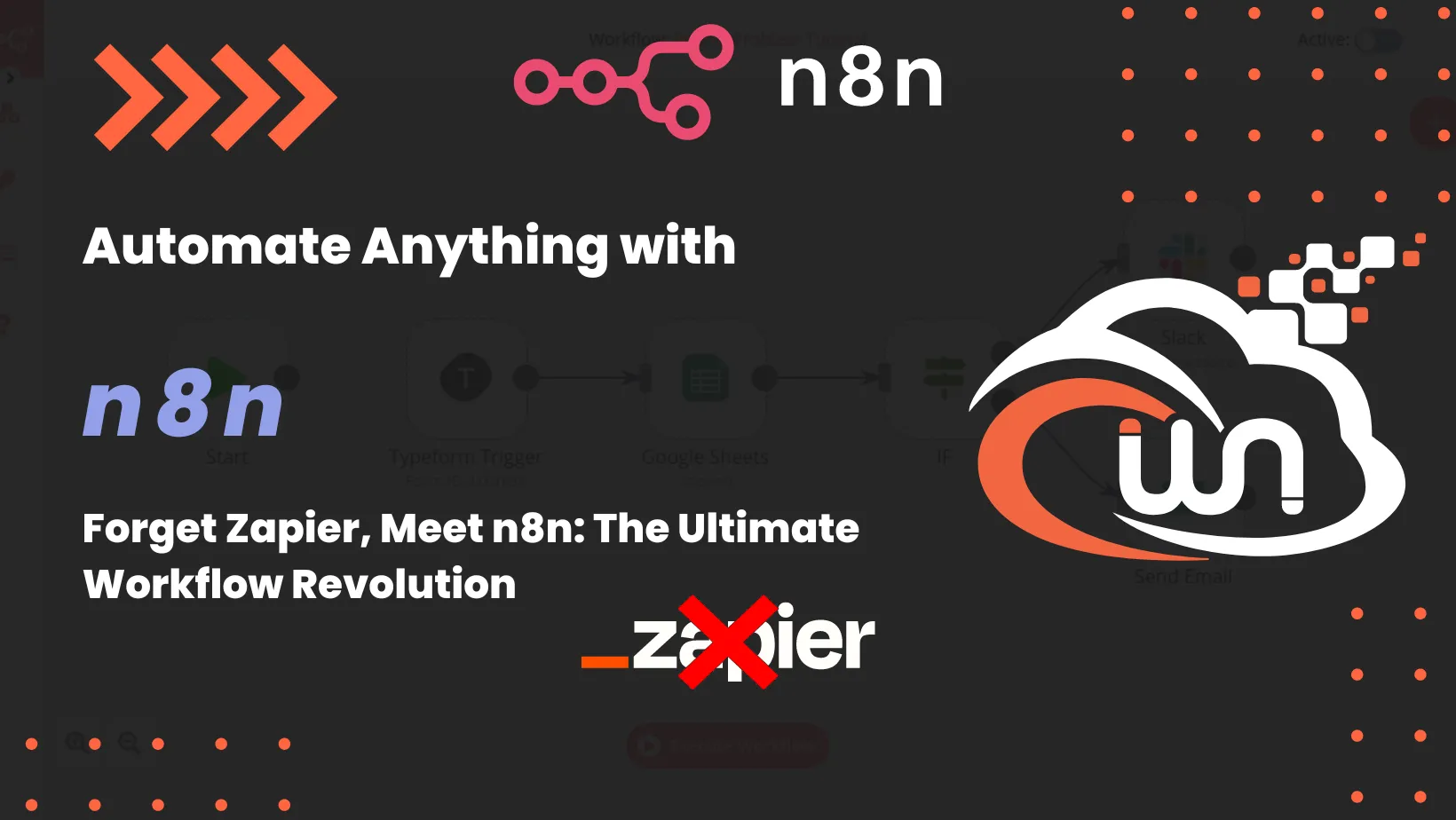
The visual workflow editor that does most of the heavy lifting. Each node is one step; the lines are the data flowing between them.
The n8n self-hosted deployment stack
Here’s what I run on every n8n box. Same pattern as the Uptime Kuma monitoring stack: one workhorse container, a proxy in front, a janitor service for image updates.
Prerequisites
You need a VPS with at least 4GB of RAM. n8n itself is a Node.js process that idles around 200MB but spikes when workflows run, especially anything that pulls a large dataset through a transformation node. A 2GB box works for hobby use but starts swapping under real load.
You also need DNS for the domain, ideally with API-driven Let’s Encrypt support (Cloudflare is the obvious choice). And you need a properly hardened server before you put n8n on it. If you haven’t done that yet, start with the Linux server security fundamentals post and come back. n8n holds API tokens for every service your workflows touch. Putting it on an unsecured server is how those tokens leak.
Docker engine
Install Docker from the official Docker repository. Follow the official Docker installation guide for Ubuntu. Don’t install from apt’s default repo or from a third-party convenience script. The official repository is the only correct source.
Nginx Proxy Manager in front
Nginx Proxy Manager (NPM) is the GUI proxy I deploy in front of every Docker stack. It handles TLS termination, automatic Let’s Encrypt renewal, and HTTP-to-HTTPS redirects without touching a config file. The web UI runs on port 81; public traffic goes through 80 and 443. I covered the full setup in the Portainer, NPM, and Vaultwarden stack post, so I won’t repeat the YAML here.
The thing that matters for n8n: the proxy host pointing your subdomain to http://n8n:5678 must have WebSockets Support enabled. n8n’s editor uses WebSockets for live execution feedback. Forget that toggle and you’ll see a working dashboard but every workflow will appear to hang at “Executing…” forever.
n8n itself
The n8n container is one image with one volume for its data directory. I put the SMTP variables in for the password-reset path. Without them, the only way to recover an admin login is to nuke the database.
version: "3.7"

services:
  n8n:
    image: n8nio/n8n:latest
    container_name: n8n
    restart: unless-stopped
    ports:
      - 5678:5678
    environment:
      - N8N_HOST=${SUBDOMAIN}.${DOMAIN_NAME}
      - N8N_PORT=5678
      - N8N_PROTOCOL=https
      - NODE_ENV=production
      - WEBHOOK_URL=https://${SUBDOMAIN}.${DOMAIN_NAME}/
      - GENERIC_TIMEZONE=${GENERIC_TIMEZONE}
      - N8N_DEFAULT_LOCALE=en
      - N8N_EMAIL_MODE=smtp
      - N8N_SMTP_HOST=smtp.postmarkapp.com
      - N8N_SMTP_PORT=587
      - N8N_SMTP_USER=your_smtp_username
      - N8N_SMTP_PASS=your_smtp_password
      - N8N_SMTP_SENDER=alerts@yourdomain.com
      - N8N_SMTP_SSL=false
      - PUID=1000
      - PGID=1000
    volumes:
      - ${DATA_FOLDER}/local_files:/files
      - ${DATA_FOLDER}/.n8n:/home/node/.n8n
    labels:
      - "com.centurylinklabs.watchtower.enable=true"
Set the variables in a .env file next to the Compose file:
SUBDOMAIN=automation
DOMAIN_NAME=yourdomain.com
GENERIC_TIMEZONE=Europe/Bratislava
DATA_FOLDER=/srv/docker/n8n
Bring it up:
docker compose -f /srv/docker/n8n/docker-compose.yml up -dIn the NPM admin, add a Proxy Host pointing automation.yourdomain.com to http://n8n:5678, request a Let’s Encrypt certificate, and tick Force SSL, HTTP/2 Support, and WebSockets Support. Then open the subdomain in a browser and walk through the first-run owner setup.
Watchtower for image updates
Watchtower handles the boring part: pulling new image tags and restarting containers when an upstream release ships. I label every container I want auto-updated with com.centurylinklabs.watchtower.enable=true and let Watchtower decide what to do.
version: '3'

services:
  watchtower:
    image: containrrr/watchtower:latest
    restart: always
    volumes:
      - /var/run/docker.sock:/var/run/docker.sock
      - /etc/timezone:/etc/timezone:ro
    environment:
      - WATCHTOWER_CLEANUP=true
      - WATCHTOWER_LABEL_ENABLE=true
      - WATCHTOWER_NOTIFICATIONS=email
      - WATCHTOWER_NOTIFICATION_EMAIL_FROM=
      - WATCHTOWER_NOTIFICATION_EMAIL_TO=
      - WATCHTOWER_NOTIFICATION_EMAIL_SERVER=smtp.postmarkapp.com
      - WATCHTOWER_NOTIFICATION_EMAIL_SERVER_PORT=587
      - WATCHTOWER_NOTIFICATION_EMAIL_SERVER_USER=
      - WATCHTOWER_NOTIFICATION_EMAIL_SERVER_PASSWORD=
    command: --interval 86400
    labels:
      - "com.centurylinklabs.watchtower.enable=true"
--interval 86400 runs Watchtower once every 24 hours. I align the container start time so the check fires around 04:00 server time, away from any business-hours traffic.
WATCHTOWER_CLEANUP=true matters more than people realize. Without it, every release leaves the old image tag on disk. After six months of n8n updates you’ll have 5GB of dangling layers eating your VPS storage.
The credentials trap that nobody mentions
Here’s the part I wish someone had told me on day one: credentials in n8n live in their own encrypted store, not in the workflow JSON.
When you build a workflow that calls the Slack API, you create a Slack credential first, then reference it by ID inside the Slack node. The workflow file you can export, share, or commit to Git contains "credentials": { "slackApi": { "id": "5", "name": "Client A Slack" } }. It does not contain the actual token.
This is the right design. It is also the source of two failure modes I see all the time.
The first: someone exports a workflow, imports it on a new n8n instance, and is surprised when the workflow fails because credential ID 5 doesn’t exist on the new server. The fix is to recreate the credentials on the destination first, then re-link them in the imported workflow. Treat the credential setup as part of the deploy process, not an afterthought.
The second is worse: someone screenshots a workflow with the credential picker open, or copies a node configuration that includes a header with Authorization: Bearer eyJ… hardcoded into an HTTP Request node. Both leak tokens. Both happen monthly somewhere on the internet. The discipline is: API tokens go through the credentials picker, never into a node parameter directly. That is how you keep workflow exports safe to share with clients.
SQLite vs Postgres: when to switch
The default n8n install uses SQLite. For a single n8n instance running up to a few hundred workflows and a few thousand executions per day, that’s fine. The SQLite file lives at ~/.n8n/database.sqlite inside the container, and it backs up cleanly with the rest of the volume.
You’ll want to migrate to Postgres when one of these happens:
- Execution history grows past a few hundred thousand rows and SQLite query times start showing in the UI.
- You want to run n8n in queue mode with multiple workers.
- You want point-in-time backups on a separate database server (good practice once the workflows touch invoicing or production data).
The migration path is documented well in the n8n docs. Set DB_TYPE=postgresdb and the related connection variables, then either start fresh or run the migration utility. I’d argue most agency setups never hit the trigger conditions, so don’t over-engineer it on day one.
The Sustainable Use License gotcha
n8n is fair-code, not standard open source. The Sustainable Use License lets you run n8n for free for internal business use, including paid client work where you operate the workflows on their behalf as part of an agency engagement.
What you cannot do under the SUL: package n8n into a product you resell as workflow-automation-as-a-service. If you build a SaaS where customers log in to your n8n and run their workflows, that’s the Embed plan, not the free plan. The line is whether the end user is interacting with n8n as a hosted product, which requires a commercial license.
For 95% of agency use cases this never comes up. You build automations for clients, you run them on the client’s server (or on a server the client pays you to operate), you bill for the work. That is internal use under the SUL.
The case where it does come up: you white-label n8n behind a custom UI and charge per workflow run. That’s a product. Read the license, or pick a different tool.
What I leave out of this stack
A few features in the broader n8n ecosystem that I deliberately don’t deploy on the default agency setup:
- Queue mode with Redis workers. Worth it past 10k executions per day. Overkill for the typical agency box doing a few thousand.
- n8n Cloud’s external secrets managers. The credentials store is fine for self-hosted use. Bringing in HashiCorp Vault for a 30-workflow deployment is over-engineered.
- The AI Starter Kit bundle. It’s a fine demo of n8n + Ollama + Qdrant, but it pulls in three more containers. If you’re doing serious LLM workflows, see the AI WordPress automation post where I walk through the n8n + DeepSeek + Baserow stack I actually run for content automation.
If a client specifically needs queue mode or external secrets, that’s a separate engagement. The “every server, day one” baseline is what’s in this post.
Closing the loop
This three-container stack of n8n, Nginx Proxy Manager, and Watchtower has been the default automation layer on roughly a dozen Webnestify-managed environments for the past two years. We’ve replaced it once, when a client outgrew the SUL by deciding to resell automations and went to the Embed plan. Everywhere else, it just runs.
The point isn’t that n8n is the most powerful automation tool on the market. It’s that the self-hosted deployment is small enough to operate on every client environment, cheap enough to run without a budget conversation, and honest enough about where the data lives that I can answer the GDPR question in one sentence.
If you have the workflows in mind but not the time to design and ship them, the Operations & Workflow Strategy engagement is the version where I sit with you, map the processes that are eating your week, and build the n8n flows that take them off your plate.